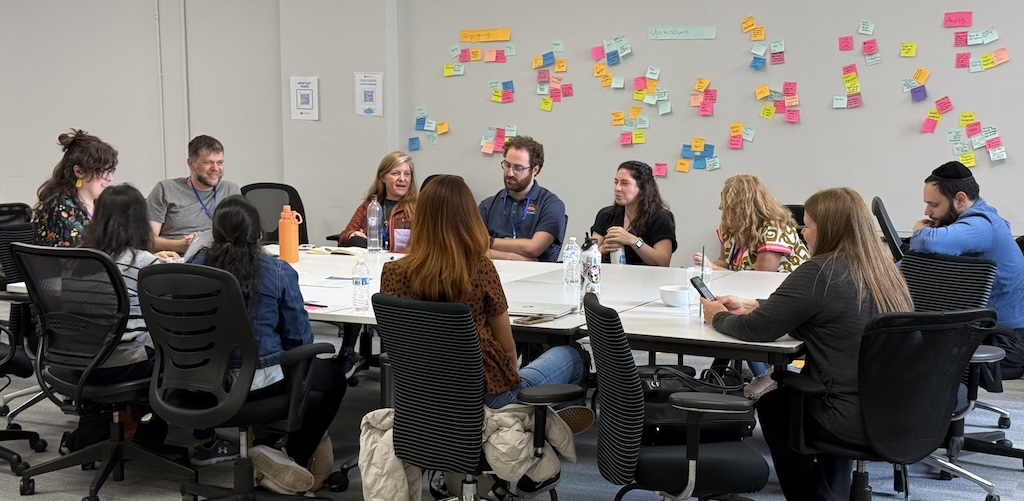
Last week, NPSP Day made its way back to the windy city for a day of collaboration, skill-building, and problem-solving at OneGoal's brand new office location— centrally located right in Chicago’s loop! We need to give the OneGoal team an EXTRA thank you for letting NPSP Day Chicago be the inaugural event they hosted in their new building. They went above and beyond to make sure this day was fantastic for all involved!
With nearly 50 attendees, this was the largest NPSP Day Chicago we have ever seen, including pre-pandemic numbers! We had a healthy mix of nonprofit professionals, Salesforce admin, and consultants, which made for very balanced and informative discussions. It was wonderful to see many NPSP Day first-timers, as well as many folks who had never been to an “unconference” style event, where the agenda is determined by the attendees!
The purpose of an NPSP Day is for folks to come together to share knowledge, pose questions, and solve problems to benefit the nonprofit and education sectors' use of the Salesforce platform. While there was a definite interest in all the new things happening in the Nonprofit Cloud (NPC), most attendees were also focused on learning how to leverage existing tools with the Nonprofit Success Pack (NPSP).
Sponsored by Idlewild Partners and Soapbox Engage, NPSP Day Chicago was packed with hands-on sessions, thought-provoking discussions, and practical takeaways. Keep reading for key lessons and standout moments from our nine breakout sessions!
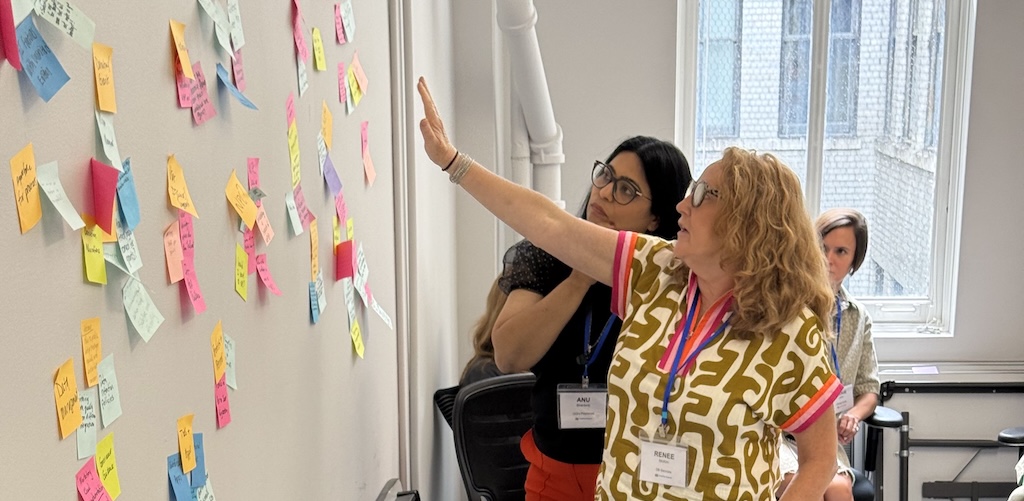
Table of Contents
- Program Management Module
- Reports & Dashboards
- Fundraising & Moves Management
- Onboarding, Training & Documentation
- Permission Sets & Security
- Automations
- Data Hygiene, Deduplication & Privacy
- Third Party Apps & Integrations
- Campaign Best Practices
- Customizing UX & Page Layout
Program Management Module
This session unpacked the complex landscape of Salesforce’s Program Management Module (PMM), offering real-world examples, implementation advice, and product extensions like NCCM. Participants explored how to better configure and visualize sessions, attendance, and client engagement across complex programs.
Key Takeaways:
- PMM elements include: Service Schedule (class), Session (meeting), Service Delivery (attendance), Program Engagement (affiliation), and Assessment (metrics).
- Dynamic Forms can reduce record types, but be mindful of field limits and layout complexity.
- Use Custom Metadata Types and scheduling tools like Calendly to manage data and sessions effectively.

Reports & Dashboards
Participants dove into the limitations and workarounds of Salesforce reporting, including tools to enhance usability and empower users across departments. The conversation also covered how to effectively present data to internal and external audiences.
Key Takeaways:
- Google Sheets connectors and Lightning Starter licenses help share data with non-Salesforce users.
- Dashboards are limited to 20 components and few filters—plan layouts carefully.
- Use cross-filters, bucket columns, and standard naming conventions for clarity.
- Consider AppExchange apps or code when Salesforce reporting limitations are too restrictive.
- Train and empower staff to build their own reports to reduce admin bottlenecks.
Fundraising & Moves Management
This session examined real-world challenges with donor management, engagement plans, and platform syncing. Participants shared creative strategies for handling engagement workflows, donor tracking, and grants management within Salesforce.
Key Takeaways:
- Consider using Action Plans for modifiable, automated engagement workflows (instead of Engagement Plans).
- Track some giving preferences with custom fields on Accounts, not just Contact Roles.
- Tag prospective donors and apply time-based tracking (e.g., 1-year prospect window).
- Credits (hard/soft/solicitor) are useful for tracking major donor and board activity.
- Most orgs manage grants via a separate Opportunity Record Type.

Onboarding, Training & Documentation
This session focused on building a learning culture with hands-on training, clear documentation, and scalable onboarding. Strategies ranged from low-lift quick wins to in-depth learning management systems.
Key Takeaways:
- Hands-on methods (e.g., screen sharing, flipped classrooms) can outperform passive training.
- Training should be role-specific with self-led options to support different learning styles.
- Tools used: Appinium LearnTrack, WalkMe, Articulate, and screen recordings.
- Incentivize engagement with gamification, case studies, and guided workflows.
- Empower “power users” as internal trainers and refine docs over time—done > perfect.
Permission Sets & Security
This discussion tackled how to structure and streamline user access using permission sets and profiles. Participants emphasized minimizing risk, promoting data privacy, and scaling access with permission set groups.
Key Takeaways:
- Use Permission Set Groups for scalable, role-based access control.
- Limit System Admin status to reduce confusion and risk.
- Tools: PermComparator, Salesforce Schema Explorer for audits and visualization.
- Use Public Groups and Roles to restrict visibility by program or region.
- Be intentional with edit vs. view access—especially with sensitive data.
Automations
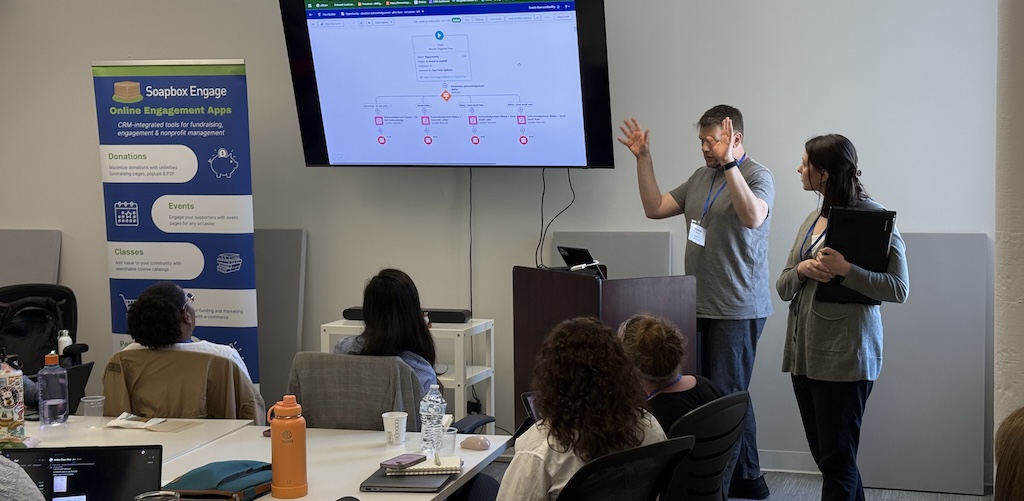
Automation was a popular topic, especially for those transitioning from Workflow Rules and Process Builder to Flows. This session offered troubleshooting tips, governance considerations, and tool recommendations for better automation strategies.
Key Takeaways:
- Flows now display error messages with debug codes, making troubleshooting easier.
- Use after-save formulas and scheduled paths to manage Flow governor limits.
- Understand Flow types: Screen Flows (interactive) vs. Autolaunched Flows (background).
- Tools: Unofficial Salesforce, Salesforce Labs apps for automation shortcuts.
- Expect ~80% success when "auto-migrating" from Process Builder—manual review is often needed.
Data Hygiene, Deduplication & Privacy
Maintaining clean, trustworthy data remains a universal challenge. This session provided tactics and tools to improve deduplication, manage data lifecycle changes, and ensure user access aligns with evolving roles.
Key Takeaways:
- Tools like dataloader.io and Apsona help with deduping and batch updates.
- Plan regular cleanup cycles to address legacy data issues.
- Most duplicates stem from email mismatches or import inconsistencies.
- Manage student-to-staff or family transitions with evolving access roles.
- Aim for “clean enough” data—perfection isn’t realistic, but impact matters.

Third Party Apps & Integrations
This session focused on how organizations are using third-party apps and integrations with Salesforce, including strategies for evaluation, implementation, and maintenance.
Key Takeaways:
- Consider using Zapier when native integrations fall short—saves time and cost.
- AppExchange is a great source for vetted third-party tools.
- Use an Asset object to track integrations and licenses with dashboards.
- Deduplication tools: Apsona Dedupe, Cloudingo—great for data imports.
- Popular forms: FormAssembly, Alchemer, Jotform, Soapbox Engage Forms.
Campaign Best Practices
This session explored how organizations use Salesforce Campaigns to coordinate engagement efforts. Participants discussed common challenges, data hygiene tips, and tools to support event and fundraising efforts.
Key Takeaways:
- Any group outreach effort could be a Campaign.
- Standardize Campaign Member status values for clean reporting.
- Use Leads to screen contacts before adding them to Campaigns.
- Avoid using Organization Accounts in Campaigns—can complicate data.
- Use Campaign fields for segmentation.
Customizing UX & Page Layouts
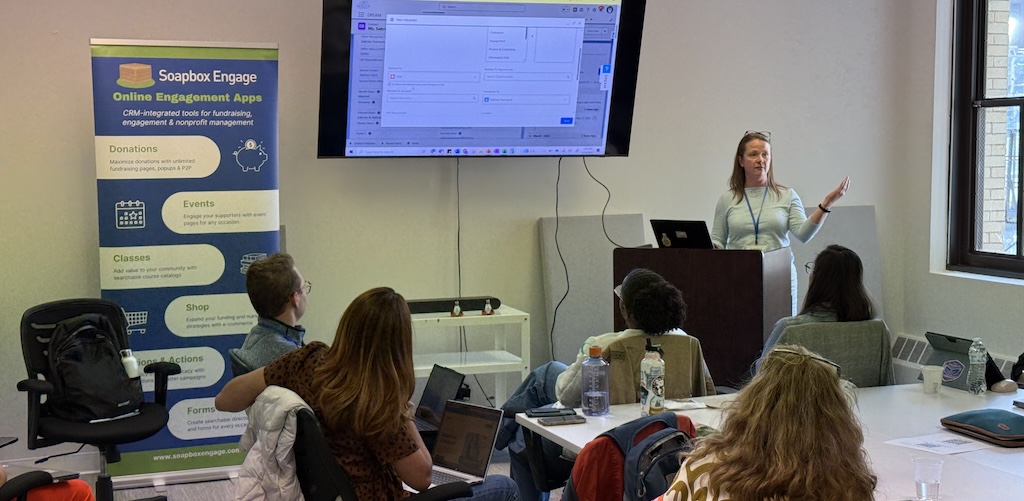
This session addressed how to tailor the Salesforce user experience through record pages, layouts, and dynamic forms. Participants shared design best practices and tools to improve usability across user types.
Key Takeaways:
- Know when to use Lightning Pages, Standard Layouts, or Dynamic Forms.
- Dynamic Forms allow field-level customization and data editing across related objects.
- Customizations can be app-, profile-, or record type–specific.
- Be mindful—Dynamic Forms require ongoing visual tuning.
- Use Michael Kolodner’s blog freelikeapuppy.tech for great UI/UX tips.
Join a Future NPSP Day!
Want to join in on the fun? Check below or visit npspday.org to see if we’re coming to a city near you and be sure to mark your calendar!
- NPSP Day Seattle - June 5
- NPSP Fundraising Day (New York) - June 11
- NPSP Day Minneapolis - September 11
- NPSP Day San Francisco - September 18
- NPSP Day New York - October 9
- NPSP Day Washington DC - November 6
- NPSP Day Philadelphia - December 4


 Donations
 Events
 Petitions
 Forms
Forms Shop
Shop Directories